Contact management
Contact Table view
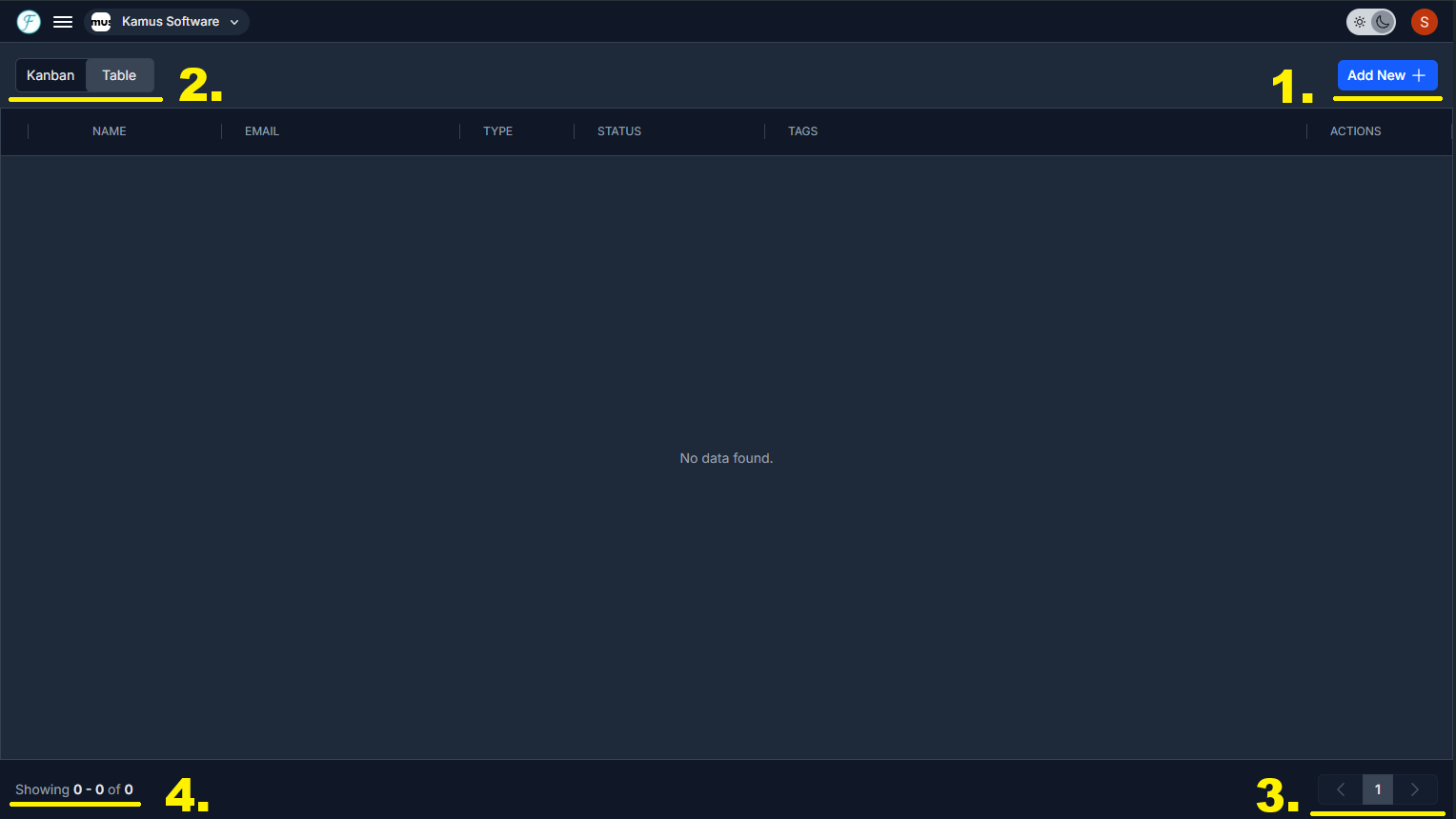
1. To create a new contact click the Add new button
2. Toggle between table and Kanban view with the View switcher
3. After adding contact data, navigate pages with the buttons in the bottom right of the table.
4. Displays the current range of records and total count.